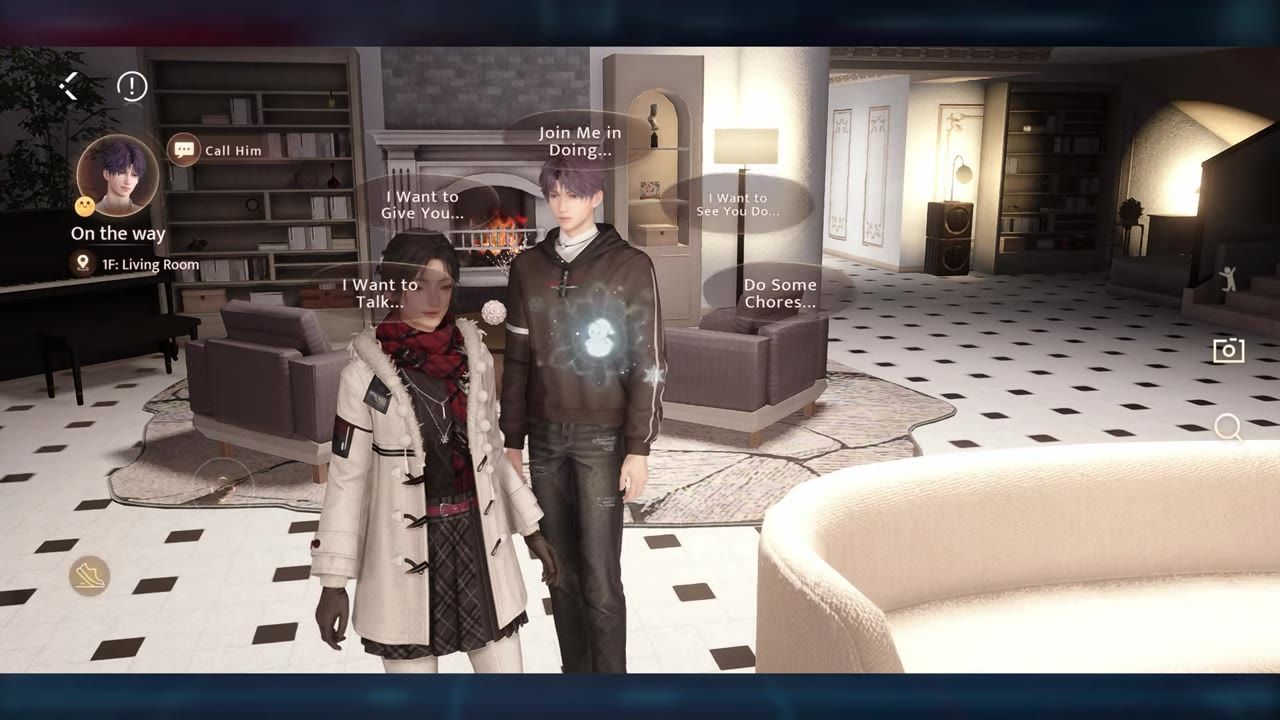
Finish Renovation Guide level five in the Home System to unlock the kitchen. After opening the kitchen, keep leveling up Cooking Level for more ingredients, recipes, and kitchen actions including letting him cook on his own.
Unlock the Kitchen in the Home System

The Renovation Guide page is open in the Home Guide menu. — Daccelhia
steps
- Open Tasks and select Renovation Guide.
- Complete Renovation Guide level five (room five).
- After finishing this task, the kitchen becomes available in your Home System.
Level Up Cooking Level

The Cooking Level screen shows level 01 with upgrade requirements and multiple recipe rewards listed. — Daccelhia
Each Cooking Level grants access to additional kitchen functions, ingredients, and recipes. Raising your Cooking Level unlocks new ways to interact in the kitchen and expands what you can prepare:
- Level 1: Lets you cook by yourself, cook with him, and purchase basic ingredients.
- Level 2: Unlocks new ingredients like tomato, cucumber, pork, and yeast, as well as new recipes.
- Level 3: Allows him to cook by himself, adds more ingredients and recipes, and unlocks new spice seeds.
Higher Cooking Levels (up to 15 are shown in menus) provide even more options and rewards as you progress.
Cooking Notes, Ingredients, and Spices

A collection menu displays the Cooking Notes panel alongside a Cooking Ingredients button. — Daccelhia
- Cooking Notes tracks your recipe progress and grants diamond rewards as you advance.
- Some recipes require a higher Cooking Level or specific ingredients before they unlock.
- Cooking Ingredients shows which ingredients you've unlocked and which remain locked.
- The Spices menu allows blending new spices.
Cook, Dine, and Share Food

A character stands in a kitchen with the Cook, Cook With Him, and Let Him Cook action options visible. — Daccelhia
steps
- Cook by yourself, cook with him, or (after reaching Cooking Level 3) let him cook by himself.
- When cooking with him, you can choose the dish or let him pick.
- Set the table with food, desserts, soup, beverages, and side dishes.
- Use auto dine or interact manually—chat with him, feed him, or let him feed you.
- You can also make him clean the table or do the dishes after dining.
Use the Fridge, Shared Slot, and Sticky Notes

A character faces a fridge with multiple interaction icons visible on screen. — Daccelhia
- The fridge menu lets you view your food, ingredients, and spice inventory.
- In the dish section, you can retrieve a dish, display it as decor, let him eat it later, eat it yourself, share it, or have him eat it himself.
- The shared slot stores items you want to share with him—ingredients or food. You can edit, remove, or auto store items here.
- Sticky notes allow you to leave messages for him and receive messages back.
Order Ingredients from Lincoln Fresh

The Lincoln Fresh ordering menu displays ingredient box delivery options with fresh delivery times. — Daccelhia
| Delivery Type | Ingredients | Delivery Time | Pick by User | Random Ingredients |
|---|---|---|---|---|
| Small Ingredient Box | 5 fresh ingredients | 10 hours | One | Rest random |
| Large Ingredient Box | 10 fresh ingredients | 20 hours | One | Rest random |
Ordering ingredient boxes helps you get more ingredients as your Cooking Level rises. You select only one ingredient per box—the others are random.
Also worth knowing
No extra player insights provided.
FAQ
How do you unlock the kitchen in the Home System?
Finish Renovation Guide level five in the Home System to unlock the kitchen.
What renovation level do you need to finish to unlock the kitchen?
You must complete Renovation Guide level five (room five) to unlock the kitchen.
How do you level up Cooking Level to get more ingredients and recipes?
Open the Leisure Time menu, view Cooking Level, and complete its requirements to advance. Each level unlocks more ingredients and recipes.
When do you unlock letting him cook by himself?
Letting him cook by himself is unlocked at Cooking Level 3.
What do the small and large ingredient boxes give you, and how long do they take?
The small box grants five fresh ingredients (one chosen, rest random) and takes ten hours; the large box grants ten fresh ingredients and takes twenty hours.
What can you do in the fridge, shared slot, and sticky notes menus?
The fridge lets you view and manage food, ingredients, and spices. The shared slot stores items to share with him. Sticky notes allow you to leave messages and receive messages.
Sources
Screenshots on this page are frames from the videos below, used to illustrate the steps they describe. All rights remain with their creators.
- Kitchen Guide: How to Unlock & How to Level up your Cooking Level - Home System - Love and Deepspace — Daccelhia, July 9, 2026