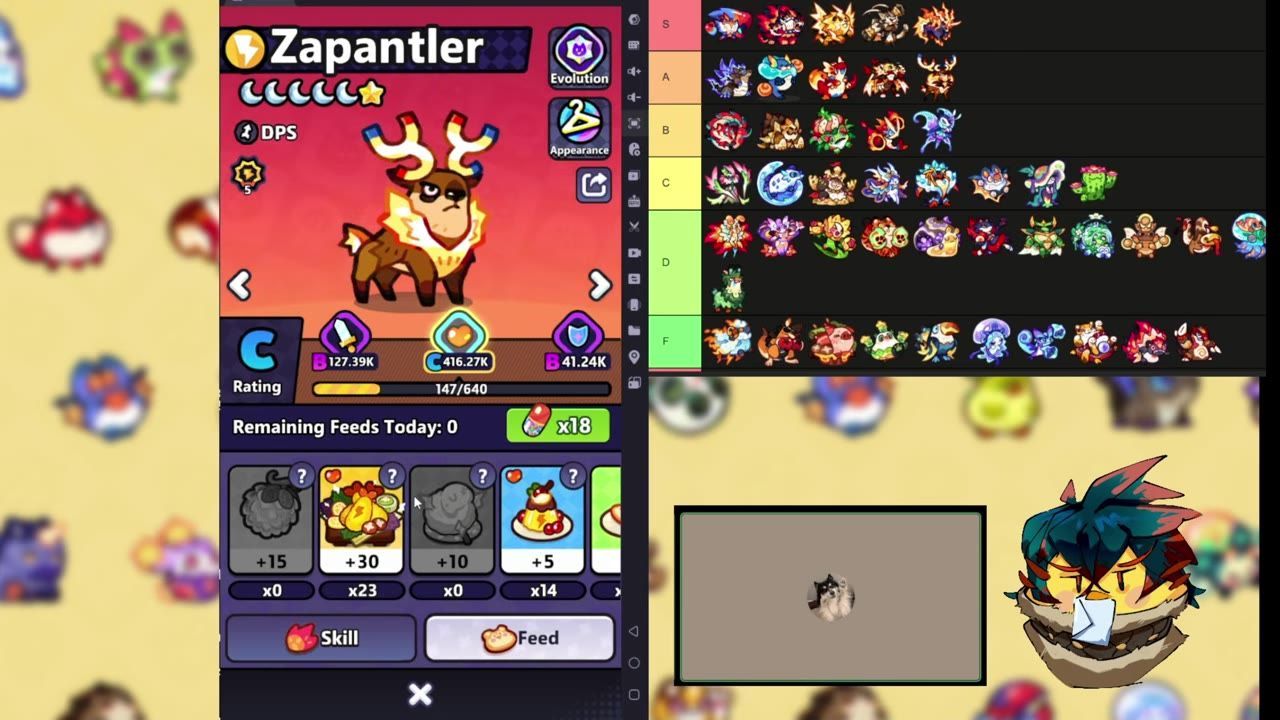
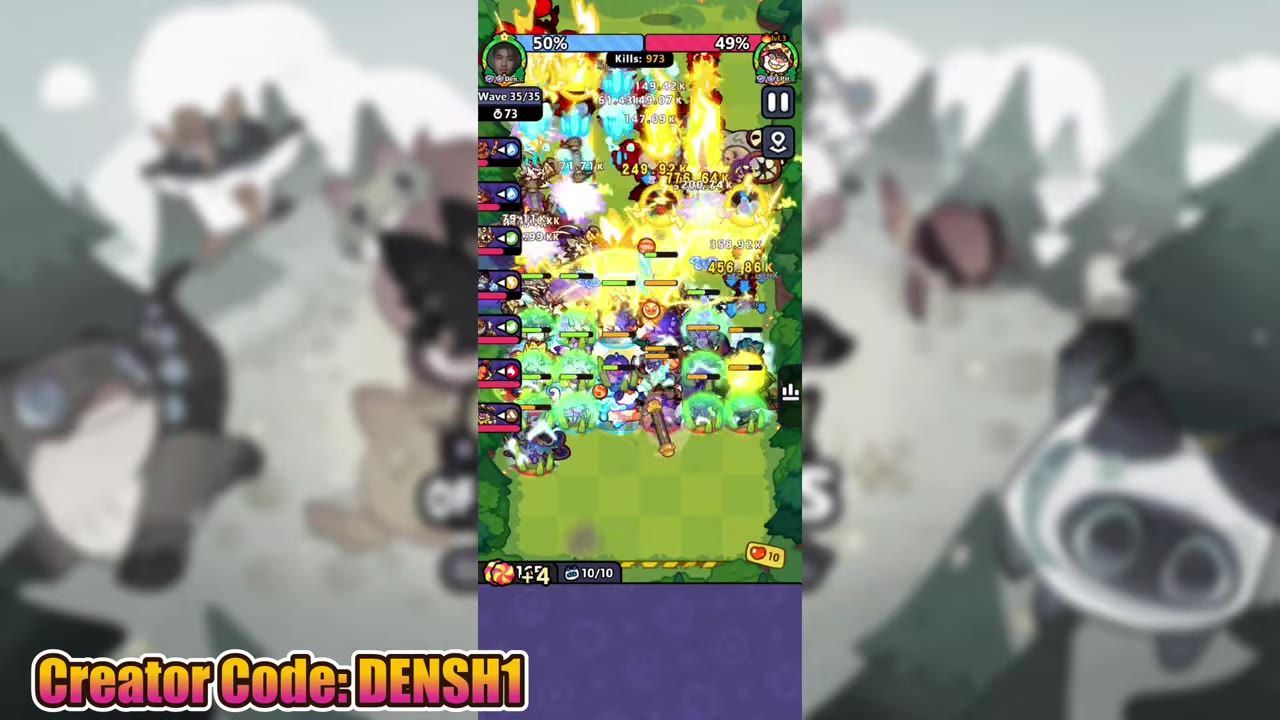
To master Clash of Critters as a beginner, focus on efficient resource management, plan Tatari evolutions strategically, and maximize synergies between units.
Keep Your Camp Clean for Pinball Efficiency
Joining Horde Invasion Events on Time
steps
- Check the schedule: Horde Invasion events run for 3 hours — 2 hours for invasion and 1 hour for calculation.
- Enter on time: You must join during the first hour of the event to participate. Missing this window excludes you from rewards.
- Take advantage of wave rewards: Prompt participation ensures access to valuable bonuses during the event.

The interface displays a 'Starting Soon' timer icon, indicating an upcoming event. — DenshiMon
Tatari Evolution Strategies for Beginners
steps
- Prepare trials: Set up Tatari with differing trial requirements like pinballs, event items, and energy drinks. This ensures sequential evolution efficiency.
- Organize resources: Start the evolution process with pinball-based trials before collecting energy drinks and event items for subsequent evolutions.
- Prioritize overlap: As one Tatari evolves, collect materials for the next evolutions to avoid restarting from zero multiple times.

The Tatari evolution interface displaying Dewgrub evolution details and requirements. — DenshiMon
Maximize Synergy Effects Between Tatari Units
steps
- Identify unit pairs: Certain combinations, like Silver Seer with Voltazar, boost team capabilities.
- Position strategically: Pair AoE units (e.g., Wave Flutter) with crowd-control effects to stall enemies effectively.
- Use counter mechanics: Units like Don Scarab force enemy skill activations early, disrupting their planned behaviors.

Synergy effects appear in battle with animations and numerical indications. — DenshiMon
Efficient Resource Management During Events
steps
- Coordinate rallies: Team up with allies to generate free energy drinks through strategic rallies on low HP tiles.
- Avoid overlaps: Never attack or claim tiles your allies are rallying to prevent rally cancellations.
- Maximize returns: Prioritize collaborative resource generation for higher event rewards.

Energy drink rewards and rally details are displayed on the screen. — DenshiMon
Save Tatari Wish Boxes for Key Evolutions
Strategic Use of Wish Boxes
- Save wish boxes: Hold onto Tatari wish boxes for milestones or challenges where evolution timing is crucial.
- Use them wisely: Treat wish boxes as instant-evolution tools for progression bottlenecks.
- Plan progression: Combine them with other resources for smooth evolution chains.
:::faq
What are the top beginner tips for Clash of Critters?
Keep your camp clean, focus on synergy effects between units, and plan Tatari evolution strategically for efficient resource use.
How to efficiently manage resources in Clash of Critters?
Coordinate with allies during events, save Tatari wish boxes for key evolutions, and prioritize resource-generating tiles.
What are the best strategies for evolving Tatari?
Prepare trials with varied requirements, evolve sequentially, and collect resources during ongoing processes to ensure smooth progression.
How to maximize synergy effects between units in Clash of Critters?
Pair units that enhance team capabilities, position strategically for crowd-control benefits, and counter enemy behaviors with specialized skills.
What is the schedule for Horde Invasion events in Clash of Critters?
Horde Invasion events have a 3-hour cycle: 2 hours for invasion and 1 hour for calculation. Entry is only allowed within the first hour of the event.
Sources
Screenshots on this page are frames from the videos below, used to illustrate the steps they describe. All rights remain with their creators.
- Clash of Critters: 10 Things I Wish I Knew Sooner — DenshiMon, May 10, 2026