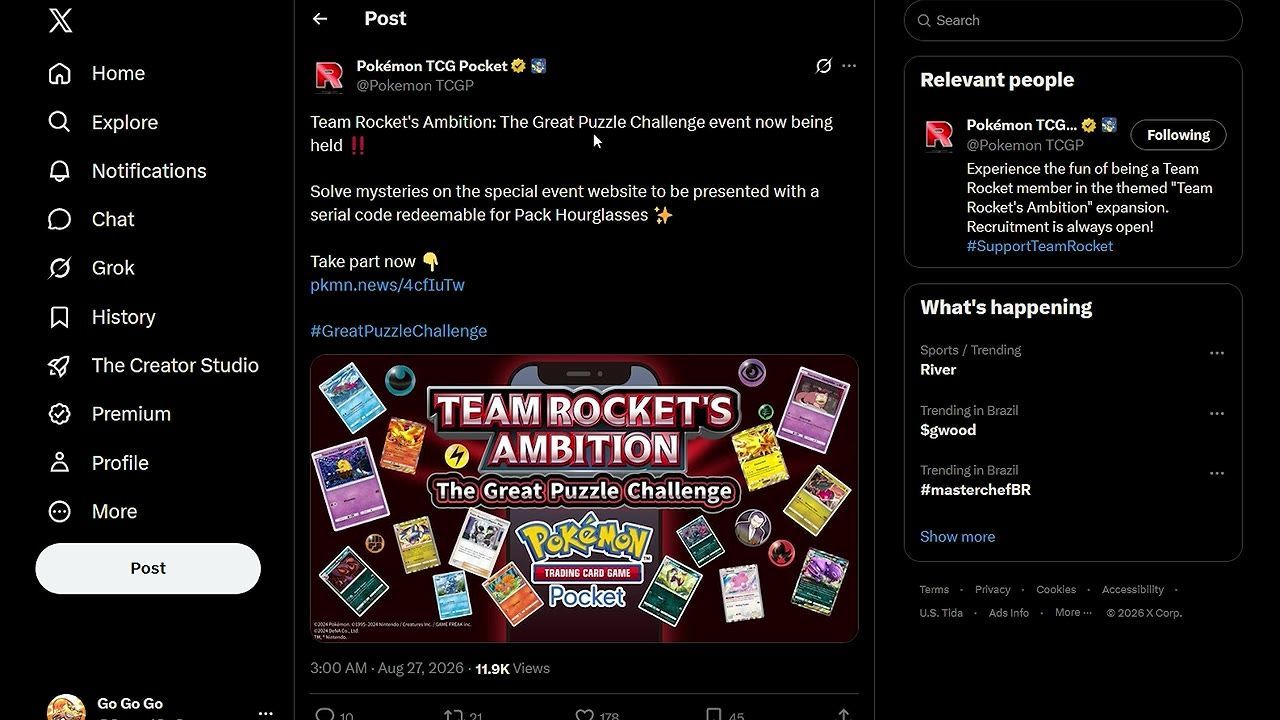
You redeem this event code on the official Pokémon TCG Pocket gift code website using your Support ID from the menu. The reward is 24 Pack Hourglasses from your own unique serial code, not a universal code.
Check the event and reward details
The Team Rocket's Ambition The Great Puzzle Challenge event distributes serial codes for completing puzzles, redeemable through the official site. Each code is unique to your account. The reward for claiming the code is 24 Pack Hourglasses, not 2.
The event itself is active until September 30, while the code redemption (serial code exchange) window runs from Wednesday, August 26th through November 30th. Make sure to claim your reward before the exchange period ends.
Get your Support ID from the game
To claim your reward, you need your Support ID from the game:
steps
- Open Pokémon TCG Pocket on your device.
- Tap the three-line menu icon in the game's main interface.
- Locate your Support ID in the menu; it is clearly displayed.
- Copy this Support ID when prompted on the redemption site.

A guide page shows the in-game menu with the Support ID highlighted near the bottom. — PokeGoGo - Pokemon TCG Pocket
Use the gift code official website
Redeeming your reward requires entering your serial code and Support ID on the event page:
steps
- Open the official Pokémon TCG Pocket gift code page in your browser.
- Enter your personal serial code (found on your certificate of success).
- Input your Support ID as shown in your game menu.
- Submit the form to send the reward to your account.

An official gift code redemption page displays a reward code entry field and a button to claim the reward. — PokeGoGo - Pokemon TCG Pocket
Collect the reward in the gifts tab
Once the code is submitted, you collect your hourglasses in-game:
steps
- After submission, the site will confirm the items were sent.
- Return to Pokémon TCG Pocket.
- Open the Gifts tab in the game.
- Claim your 24 Pack Hourglasses from the entry sent by the code.

The Gifts tab displays a gift code reward ready to claim with Claim and Claim All buttons. — PokeGoGo - Pokemon TCG Pocket
Do not confuse the puzzle answers with the code reward
FAQ
How do I get the Support ID needed to redeem the code?
Open the game, tap the three-line menu, and copy the Support ID displayed there.
Where do I enter the serial code for the Pack Hourglasses?
Enter your serial code on the official Pokémon TCG Pocket gift code website, then submit your Support ID on the same form.
How many Pack Hourglasses does the reward give?
The confirmed reward is 24 Pack Hourglasses.
Is the reward 2 Pack Hourglasses or 24 Pack Hourglasses?
It is 24 Pack Hourglasses; the “2” on the event screen is a translation mistake.
How long is the redemption period for this code?
The redemption (serial code exchange) period runs from Wednesday, August 26th through November 30th, according to the event site.
Sources
Screenshots on this page are frames from the videos below, used to illustrate the steps they describe. All rights remain with their creators.
- NEW FREE PACK HOURGLASS GIFT CODE! HOW TO GET IT SUPER FAST & EASY GUIDE! GO!! (Pokémon TCG Pocket — PokeGoGo - Pokemon TCG Pocket, August 27, 2026